
Guide
Cheap Golf Simulators: Budget Picks, Used Gear and DIY Ways to Save
Swinglix may earn a commission when you buy through links on this page, at no extra cost to you. Learn more
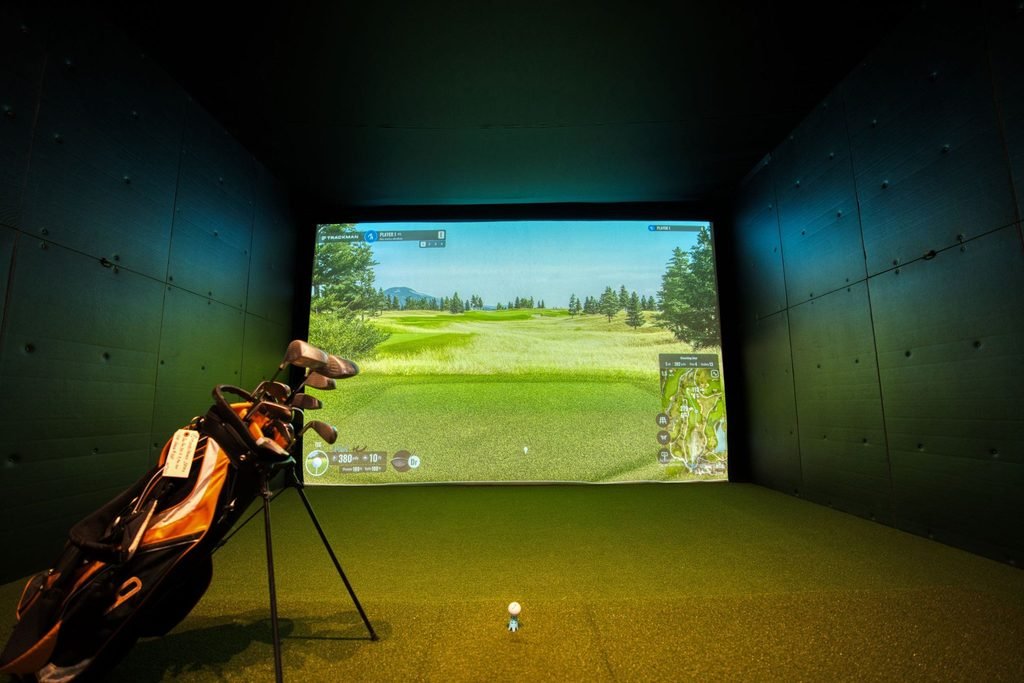
A cheap golf simulator can still be a lot of fun, and you don’t need $10,000 to enjoy one at home. The cheapest way to get a real golf simulator is a budget launch monitor (about $500–$700) with a practice net and mat, using your phone, tablet or TV as the screen. All in, that is roughly $700–$1,500. Used and certified pre-owned gear, DIY enclosures and a few smart choices can stretch your budget further.
This guide covers the cheapest golf simulators, what you give up at a low price, how to buy used safely, DIY ways to save and cheaper alternatives if a home simulator isn’t right for you yet. For the full price picture, see our golf simulator cost for home guide.
Prices are typical US list prices in 2026; sales are frequent.
Key Takeaways
- The cheapest real launch monitors cost about $500–$700; “golf in a box” kits cost a similar amount.
- A simple, cheap home setup (launch monitor, net, mat, tablet) costs roughly $700–$1,500.
- Certified pre-owned units from the manufacturer can save hundreds and usually keep a warranty.
- A DIY enclosure can save several hundred dollars over a kit.
- Check yearly membership costs: a cheap unit with an expensive subscription is not cheap over time.
The Cheapest Golf Simulators
| Option | Typical list price | What it measures | Best for |
|---|---|---|---|
| OptiShot 2 | Budget (“golf in a box”) | The club, via infrared sensors in a swing pad | Family fun, tempo practice |
| Garmin Approach R10 | About $500 | The ball, by radar | Best all-round budget unit |
| Rapsodo MLM2PRO | About $600–$700 | The ball, by cameras and radar, plus swing video | Practice with spin data |
| Square Golf | Budget | The ball, by camera | Small rooms; no subscription fee |
| FlightScope Mevo Gen2 | About $1,300 | The ball, by radar | Indoor and range practice |
More reviews at this price: best budget golf simulators under $1,000.
What You Give Up With a Cheap Golf Simulator
- Accuracy: budget units measure ball speed and direction well, but spin and curve are less reliable indoors than on mid-range camera units.
- Club data: limited or none.
- Short game: chipping and putting feel basic.
- Picture: phone, tablet or TV rather than a big projected image.
- Running costs: several budget units need a yearly membership for course play or full features.
For warming up, working on contact and having fun, these limits rarely matter. If you want realistic course play, look at the mid-range options in our best golf simulators guide.
How to Build a Simple, Cheap Golf Simulator Setup
- Launch monitor ($500–$700): the one part worth stretching for.
- Practice net ($100–$300): a large, deep net with side barriers is safer indoors.
- Hitting mat ($100–$300): don’t go too cheap; thin mats are hard on wrists and elbows.
- Screen you already own ($0): phone, tablet or a TV beside the net.
- Software ($0–$200 a year): start with the free app; add courses later if you want them.
Before you buy, check your room: see how much space you need and how high your ceiling needs to be. Radar units need more depth than camera units.
Cheap vs “Cheap Over Time”: Compare Five-Year Costs
The cheapest golf simulator to buy is not always the cheapest to own. Many budget launch monitors need a yearly membership for course play or full features, while others charge nothing extra. Here is how that plays out with typical figures:
| Unit A: $500 + $100/year | Unit B: $600 + $200/year | Unit C: $800, no fee | |
|---|---|---|---|
| Year 1 | $600 | $800 | $800 |
| Three years | $800 | $1,200 | $800 |
| Five years | $1,000 | $1,600 | $800 |
These are example figures, not the prices of particular products. Check each maker’s current membership terms, and whether you need the paid features at all. Many golfers use the free app for practice and only pay for courses in winter.
Low-Cost Enclosure and Screen Options
- Practice net (cheapest): fine for tablet or TV setups; choose one with side barriers.
- DIY frame with a bought impact screen: lets you add a projector later.
- Entry enclosure kit: more expensive than DIY but quicker, and designed to fit together.
Whichever you choose, add padding or netting around anything a stray ball could hit, and see our space and ceiling guides before you buy.
Free and Low-Cost Simulator Software
Most launch monitors come with a free app for range practice and basic data. Course play usually costs extra, either through the maker’s membership or third-party programs. Some golfers keep costs down by using the free practice mode most of the year and paying for course play only in the winter months.
Buying a Used Golf Simulator
Used launch monitors and enclosures can save a lot, as many owners upgrade every few years. The safest route is certified pre-owned stock from the manufacturer; for example, SkyTrak sells certified pre-owned launch monitors at well below new prices.
If you buy privately, check:
- Software and membership transfer: some memberships and licences are tied to the original owner.
- Warranty: whether any remains, and whether it transfers.
- Proof it works: ask to see it reading shots, or a video of it working with its serial number visible.
- Battery and charging: portable units with tired batteries cost money to fix.
- Screens and mats: look for holes, sagging and flattened turf.
- Price against new: with frequent sales, a used unit is only a bargain if it is well below the current sale price.
DIY Ways to Save Money
- Build your own enclosure from pipe or timber with a bought impact screen. This can save several hundred dollars over a kit.
- Use a TV or tablet instead of a projector at first.
- Use a PC you already have if it meets the software’s requirements.
- Buy the launch monitor on sale. Discounts of 30–50% appear regularly, especially around Black Friday.
- Add parts over time: launch monitor and net first, enclosure and projector later.
- Compare five-year costs, including memberships, not just the sticker price.
Prefer a ready-made bundle? See golf simulator packages by budget, including options under $500 and $1,000.
Cheap Golf Simulator Options for Kids and Juniors
For young golfers, an affordable launch monitor or a “golf in a box” kit with game modes keeps practice fun. Use foam or practice balls with younger children where the device supports them, and make sure the net has side protection. Many venues also run junior sessions, so you can let kids try a full simulator before you buy anything.
Cheaper Alternatives to a Home Golf Simulator
- Book a simulator by the hour: indoor golf venues let you play full simulators without buying one. Find a golf simulator near you.
- Driving ranges with ball tracking: many ranges now show ball flight data on screens in each bay.
- A net and mat without a launch monitor: the cheapest way to practise at home, without data.
- Golf video games and apps: fun, but not a substitute for hitting real shots.
FAQ
What is the cheapest golf simulator?
The cheapest options are “golf in a box” kits such as OptiShot 2 and budget launch monitors such as the Garmin Approach R10 (about $500), used with a net, mat and phone or tablet.
What is the best budget golf simulator?
For most people, the Garmin Approach R10 or Rapsodo MLM2PRO. Both measure real ball data for around $500–$700. Choose a camera unit such as Square Golf if your room is short.
What is the cheapest way to make a golf simulator?
Buy a budget launch monitor, a practice net and a decent mat, and show shots on a phone, tablet or TV you already own. A DIY enclosure and impact screen can come later.
Is it worth buying a used golf simulator?
It can be, especially certified pre-owned units from the manufacturer, which usually include a warranty. When buying privately, check that software and memberships transfer and that the unit works.
What is the most affordable golf launch monitor?
What is the best cheap indoor golf simulator for a small room?
Where can I find a used golf simulator for sale?
Are cheap golf simulators accurate?
Accurate enough for practice and fun. Ball speed and direction are usually good; spin, curve and club data are less reliable than on mid-range and premium units.