
What if your dream of practicing drives in your living room doesn’t have to break the bank—or does it? While ads promise affordable setups, seasoned players know true swing analysis requires more than a basic net and sensor. The gap between budget-friendly gadgets and pro-level accuracy leaves many wondering: What’s the real price of reliable indoor golf?
Quality systems start around $3,000, delivering precise data and realistic feedback. For under $1,000, you’ll find tools that track basic metrics but struggle with swing path details or ball spin rates. These often lack durability, leading to frequent replacements.
Core components define your experience. A high-speed launch monitor alone can cost $2,000–$20,000. Pair it with a durable impact screen, enclosure, and responsive mat to avoid “bargain” setups that feel more like arcade games than training tools.
Investing wisely matters. Premium options save money over time through longevity and better performance tracking. Whether you’re fine-tuning your slice or hosting virtual tournaments, balancing upfront costs with long-term value is key.
Key Takeaways
- Realistic systems range from $3,000 to over $20,000
- Critical components include launch monitors, screens, and mats
- Cheap setups often lack accuracy and durability
- Entry-level tools under $1,000 may disappoint serious players
- Quality parts reduce long-term replacement costs
Introduction to Home Golf Simulators
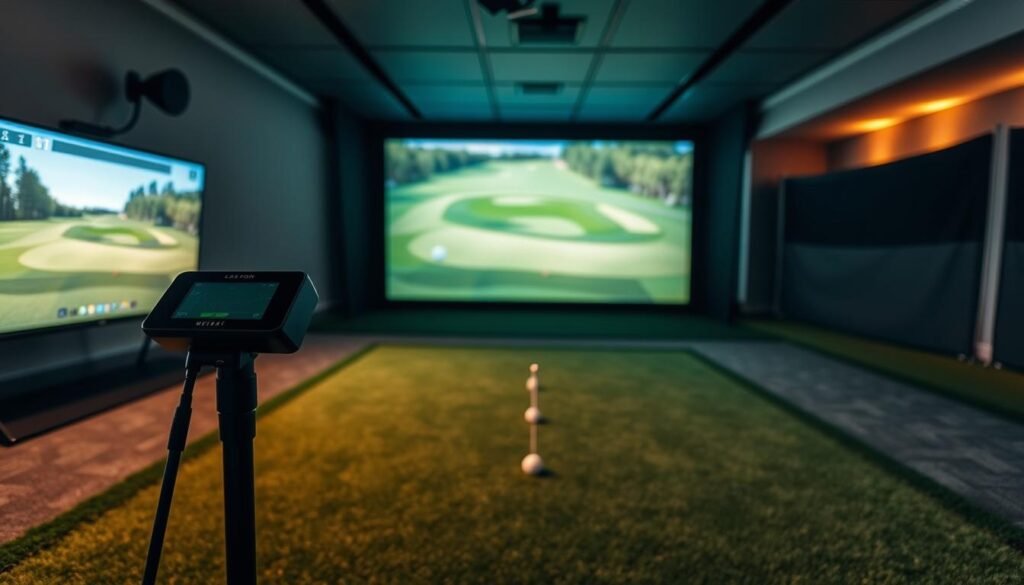
Rainy days and snowy winters no longer mean putting your clubs in storage. Modern setups let you refine your swing while avoiding crowded ranges or unpredictable conditions. These systems blend cutting-edge tech with practical design, creating immersive practice environments right in your garage or spare room.
Why Consider a Home Golf Simulator?
Traditional practice limits progress. Driving ranges close early, and weekend rounds get canceled due to storms. With a personal setup, you analyze every drive at 9 PM or fine-tune putting during lunch breaks. No memberships. No waiting.
Serious players gain most. Immediate feedback on ball speed, launch angle, and club path turns casual swings into deliberate training. One user noted: “Seeing real-time data stopped my decade-long slice in three weeks.”
Overview of Key Benefits
Beyond weatherproofing, these systems offer:
- Instant access to global courses like Pebble Beach
- Side-by-side practice with friends via multiplayer modes
- Drill customization for weaknesses (bunker shots, uneven lies)
Advancements in radar tracking and 4K projection make sessions feel authentic. You’ll hear crisp turf impacts and see realistic ball flights—no “arcade effect” from older models.
Essentials of a Home Golf Simulator Setup
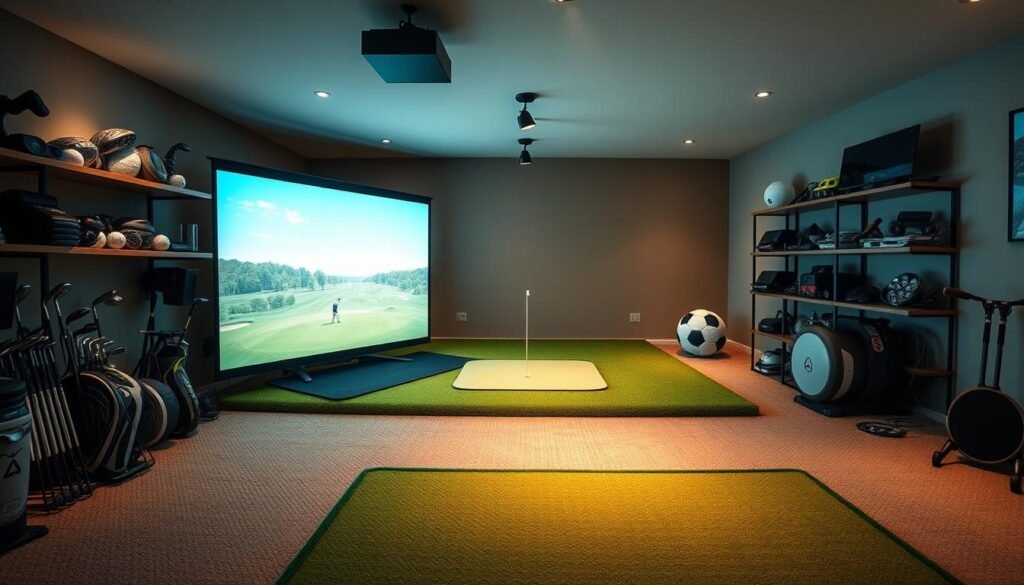
Building an indoor practice space requires five non-negotiable elements working in harmony. Each piece transforms spare rooms into data-driven training zones where feedback matters more than weather forecasts.
Launch Monitor, Impact Screen, and More
The launch monitor acts as your digital caddie. Using infrared sensors or radar, it captures ball speed, spin rates, and clubface angles. Premium models like TrackMan provide pro-level insights, while budget options focus on basic metrics.
Your impact screen does double duty. It stops 150mph drives from redecorating your walls while displaying vivid course visuals. Pair it with a tensioned enclosure frame to prevent “bounce-back” mishaps with errant shots.
A short-throw projector brings Pebble Beach’s cliffs to your garage. Position it overhead to avoid shadows, ensuring crisp details on every virtual fairway. Brightness above 3,000 lumens prevents washed-out images in daylight.
Don’t skimp on the hitting mat. Thick rubber bases absorb shock, protecting elbows and wrists during repetitive swings. Look for replaceable turf inserts where your club makes contact—they’ll wear fastest.
Finally, a dedicated computer ties everything together. It processes swing data in real time, rendering ball flights on-screen as you practice. Integrated software packages often include swing analysis tools and course libraries.
Read our comprehensive guide: Golf Simulator: The Ultimate Beginner’s Guide
Key Components and Their Roles
Your simulator’s physical framework determines whether you’re repairing drywall or refining your swing. Two elements demand extra attention: the barrier protecting your space and the surface beneath your feet.
Understanding the Impact Screen and Enclosure
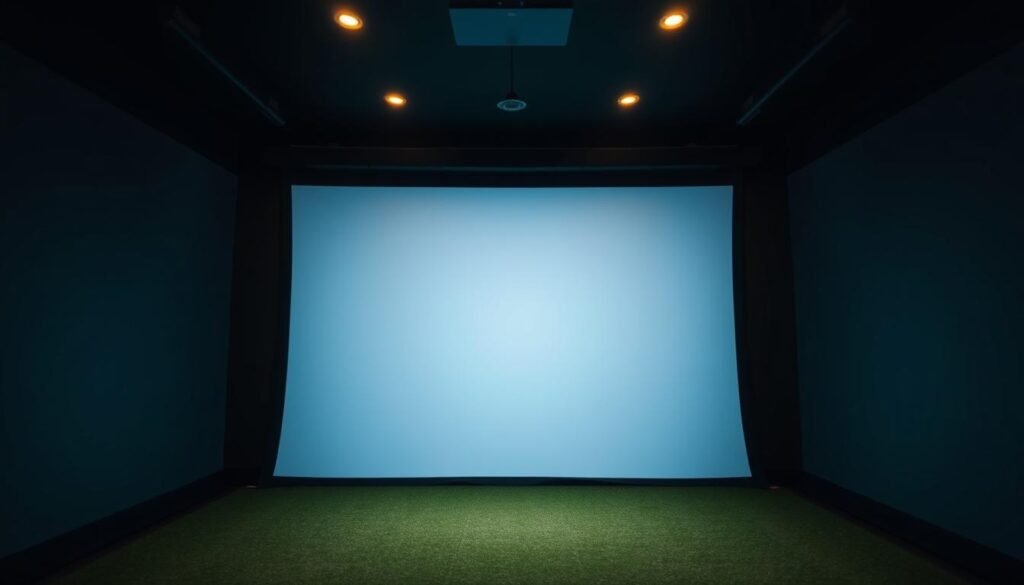
Impact screens aren’t just projector surfaces—they’re your first defense against 150 mph drives. Premium options use triple-layer polyester to absorb force while maintaining image clarity. Screens under $500 often yellow over time or develop “dead zones” where ball marks distort visuals.
| Enclosure Type | Price Range | Key Features |
|---|---|---|
| Basic Frame | $1,000–$2,500 | Adjustable poles, minimal padding |
| Mid-Range | $2,501–$4,000 | Reinforced corners, acoustic panels |
| Premium Kit | $4,001–$6,000 | Custom sizing, tensioning systems, warranty |
One golfer learned the hard way: “My $300 screen tore after three wedge shots—replacement costs doubled my budget.” Proper enclosures prevent this with steel frames and anti-sag mechanisms that keep screens taut through thousands of swings.
The Importance of a Quality Hitting Mat
Cheap mats fail two ways: they misrepresent turf interaction and destroy joints. Thin foam bases let clubs dig in, creating unrealistic bounce while straining wrists. High-end models use layered rubber and nylon turf that mimic fairway resistance.
- $25–$100 mats: Worn out in 2 months
- $101–$400: Last 6–12 months with light use
- $500+: 3–5 year lifespan, replaceable inserts
Durability matters when fat shots strike the same spot repeatedly. A $700 mat with modular sections lets you rotate wear points, extending its life beyond cheaper all-in-one designs.
Budget Options and DIY vs. Pre-Built Setups
Choosing between cobbling together parts or buying ready-made systems shapes your experience—and wallet. While thrifty solutions exist, every dollar saved upfront might mean sacrificing accuracy or durability later.
Entry-Level Versus Premium Choices
Under $1,000, options like the OptiShot 2 offer swing tracking through infrared sensors. You’ll see ball speed and club path data, but spin rates and turf interaction feel closer to mini-golf than Augusta National. “It’s fun for casual play,” admits one user, “but don’t trust it to fix your hook.”
DIY builds ($1,000–$3,000) demand patience. Sourcing used launch monitors or building enclosures from PVC pipes cuts costs. However, calibrating mismatched components eats weekends. One Reddit thread details 12 hours spent troubleshooting projector alignment alone.
Pre-built packages ($3,000–$5,000) solve compatibility headaches. Brands bundle tested hardware with optimized software, often including tech support. While pricier, these systems deliver realistic ball flights and reliable metrics out of the box.
| Option | Pros | Cons |
|---|---|---|
| DIY | Customizable, lower initial cost | Time-intensive, no warranties |
| Pre-Built | Plug-and-play, professional support | Higher price, less flexibility |
Premium setups justify their cost through military-grade impact screens and professional installation. You’re not just buying gear—you’re investing in uninterrupted practice sessions and precise feedback.
Read our comprehensive guide: Golf Simulator: The Ultimate Beginner’s Guide
Cost Breakdown: What You’re Paying For
Smart budgeting requires knowing where every dollar goes. Let’s dissect expenses for hardware and digital tools that shape your experience.
Hardware and Component Costs
Launch monitors dominate budgets, ranging from $600 basic models to $25,000 pro units. Most users invest $2,000–$10,000 for reliable metrics without overspending. Pair yours with:
- Projectors ($400–$5,000) that determine visual clarity
- Impact screens resisting 150+ mph drives
- Mats protecting joints during repeated swings
| Component | Entry-Level | Mid-Range | Premium |
|---|---|---|---|
| Launch Monitor | $600–$1,999 | $2,000–$7,000 | $7,001–$25,000 |
| Projector | $400–$1,200 | $1,201–$3,000 | $3,001–$5,000 |
Software and Subscription Considerations
While launch monitors include basic programs, enthusiasts upgrade to premium options. TGC 2019 licenses start at $895, while E6 Connect charges $300–$600 yearly for full course access. GSPro offers budget-friendly plans at $250/year with 150+ courses.
Free software often lacks advanced features. One player noted: “My included program only had three courses—upgrading tripled my practice variety.” Factor in $200–$2,000 for initial licenses plus recurring fees when planning long-term costs.
Read our comprehensive guide: Golf Simulator: The Ultimate Beginner’s Guide
Understanding Launch Monitors and Their Impact
Your swing’s digital eye sees more than you think. Launch monitors capture 10,000+ data points per second, turning raw power into actionable insights. Choosing between camera and radar systems shapes your practice environment’s capabilities—and limitations.
Camera-Based vs. Radar-Based Systems
Camera-based monitors like SkyTrak and Foresight GC3 sit beside your ball. They use high-speed lenses to measure spin rates and launch angles without needing vast spaces. Uneekor’s overhead models track club paths through infrared sensors, ideal for rooms under 15 feet deep.
Radar systems demand more real estate. TrackMan and FlightScope require 16–25 feet behind you to track two full ball rotations. “My garage setup worked until I tried a driver—the radar lost the ball at 18 feet,” admits one frustrated golfer.
| Feature | Camera-Based | Radar-Based |
|---|---|---|
| Space Needed | 8–12 ft depth | 16–25 ft depth |
| Best For | Indoor use | Outdoor/indoor |
| Price Range | $2,000–$7,000 | $7,000–$20,000 |
Accuracy and Data Metrics
Budget doesn’t always dictate precision. The $2,000 SkyTrak matches premium systems in ball flight analysis, while some $5,000 radar units struggle with short-game spin readings. Camera models excel at:
- Spin axis measurement
- Clubface alignment
- Impact position tracking
Radar dominates in outdoor environments, capturing full flight trajectories. For most home setups, camera-based monitors deliver tournament-grade feedback without remodeling your space.
Read our comprehensive guide: Golf Simulator: The Ultimate Beginner’s Guide
Simulator Software and Integration Options
Your setup’s digital backbone transforms raw data into vivid virtual rounds. Modern programs convert launch angles and spin rates into playable rounds at iconic destinations, blending physics with visual artistry.
Course Libraries and Graphics
Top-tier simulator software connects you to 300+ global layouts through partnerships. SkyTrak users access Pebble Beach via E6 Golf, while The Golf Club licenses bring St. Andrews’ bunkers to your screen. Recent 4K upgrades make fairway textures pop—provided your GPU meets minimum specs.
Multiplayer modes let friends compete across time zones. One golfer raves: “Tuesday nights became our virtual Ryder Cup.” But stunning visuals demand power. Aim for RTX 3060 graphics cards or better to avoid lag during swing transitions.
Long-Term Software Investment
Subscription models sneak up on budgets. Many platforms charge $200-$600 yearly for course updates and swing analysis tools. Some providers exclude licensing fees from initial quotes—always read terms before purchasing.
Free versions often lack critical features like shot shaping drills. Balance ongoing costs against your goals. Casual players might prefer basic packages, while competitive types benefit from pro-level analytics in premium tiers.
Also read: How High of a Ceiling Do You Need for a Golf Simulator?
FAQ
What’s the price range for a basic home golf simulator setup?
Entry-level setups start around ,000–,000. These include a budget launch monitor like SkyTrak, a hitting mat, a basic impact screen or net, and entry-tier simulator software. Costs rise with premium components like higher-end monitors or custom enclosures.
Do I need a large room for an indoor golf simulator?
You’ll need at least 10’W x 12’L x 9’H for comfortable play. Space depends on your swing style and hardware setup. Left-handed players may require wider rooms to avoid sensor interference. Measure your area before purchasing components.
Are pre-built simulator packages worth the cost?
Pre-built options like Foresight Sports’ GC3 bundles offer plug-and-play convenience but cost ,000–,000. DIY builds save money if you source parts separately. Compare warranty coverage, software licenses, and included tech when deciding.
How important is launch monitor accuracy?
High-end monitors like TrackMan or Uneekor provide precise ball-flight data, spin rates, and swing metrics. Camera-based systems excel indoors, while radar models need more space. For casual practice, mid-tier monitors like Mevo+ offer sufficient accuracy under ,000.
What ongoing costs come with simulator software?
Many platforms charge annual fees (0–0) for course updates or multiplayer access. E6 Connect and GSPro require subscriptions for premium features. Check if your launch monitor includes free software licenses to reduce long-term expenses.
Can I use a projector with any impact screen?
High-quality screens like Carl’s Premium reduce “hot spots” for clearer images. Pair 1080p or 4K projectors with screens rated for brightness (1,500+ lumens). Avoid cheap nets—they lack durability and image clarity for immersive play.
How durable are hitting mats for daily use?
Premium mats from FiberBuilt or TrueStrike last 5+ years with regular use. Thick turf and shock absorption protect joints. Budget mats under 0 wear faster and may cause injury. Prioritize mats with replaceable hitting strips for longevity.